Dropelz Local AI Studio
Your ideas. Your Mac. Your AI.
A native workspace for AI chat, coding, images, documents and voice, with local video generation in the latest development build. Run open-weight models on your own Mac, with your work close at hand.
Download on the Mac App StoreFree to download. Optional Pro upgrade.
Apple silicon · macOS 15 or later
AI runs on your Mac.
You choose the models.
Your storage, your control.
One app. Room to create.
Local AI for Mac.
More ways to create.
Move between a conversation, an image and a voice. Choose a model that fits the work, all in a familiar Mac workspace.
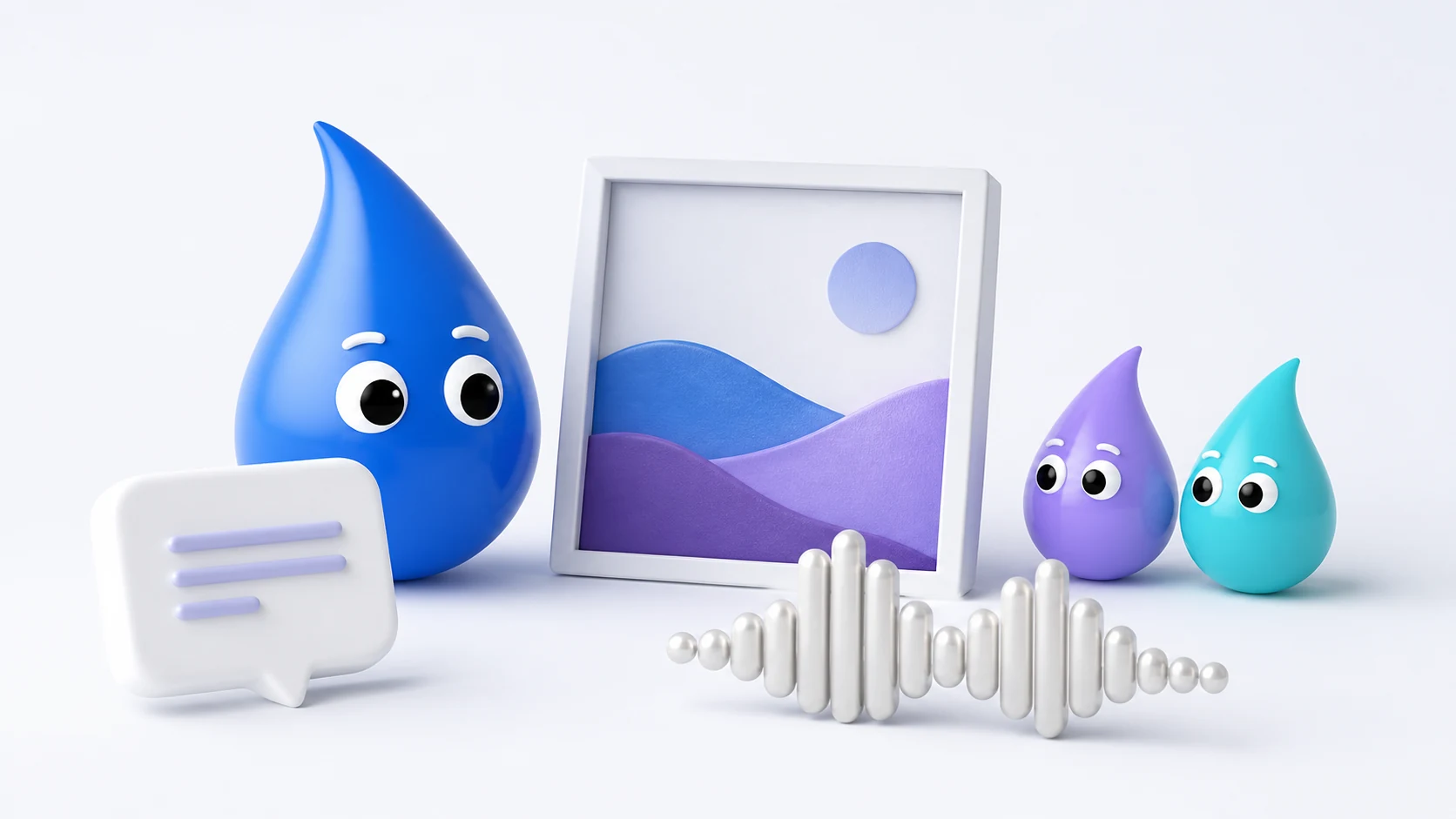
Local AI chat & documents
Ask a question, work through an idea or turn a conversation into a useful document. Start with free local chat, then add more models and document exports with Pro.
Export PDF, Word, Excel and PowerPoint with Pro.
Explore local AI chat for MacAI image generation
Turn a prompt into an image on your Mac. Use reference images where the model supports them, explore different models and give finished images more detail.
Local generation and 4× upscaling with Swin2SR.
Explore AI image generation for MacLocal voice tools
Use English speech with Kokoro and English dictation with Whisper, both included free. Create reusable voice profiles with the Audio8 voice cloning preview in Pro.
Clone your own voice, or one you have permission to use.
Explore local voice tools for MacThe models behind your work
A choice of models.
A place for each one.
Explore the supported chat, image and voice models. Each model has its own download, memory requirements and license.
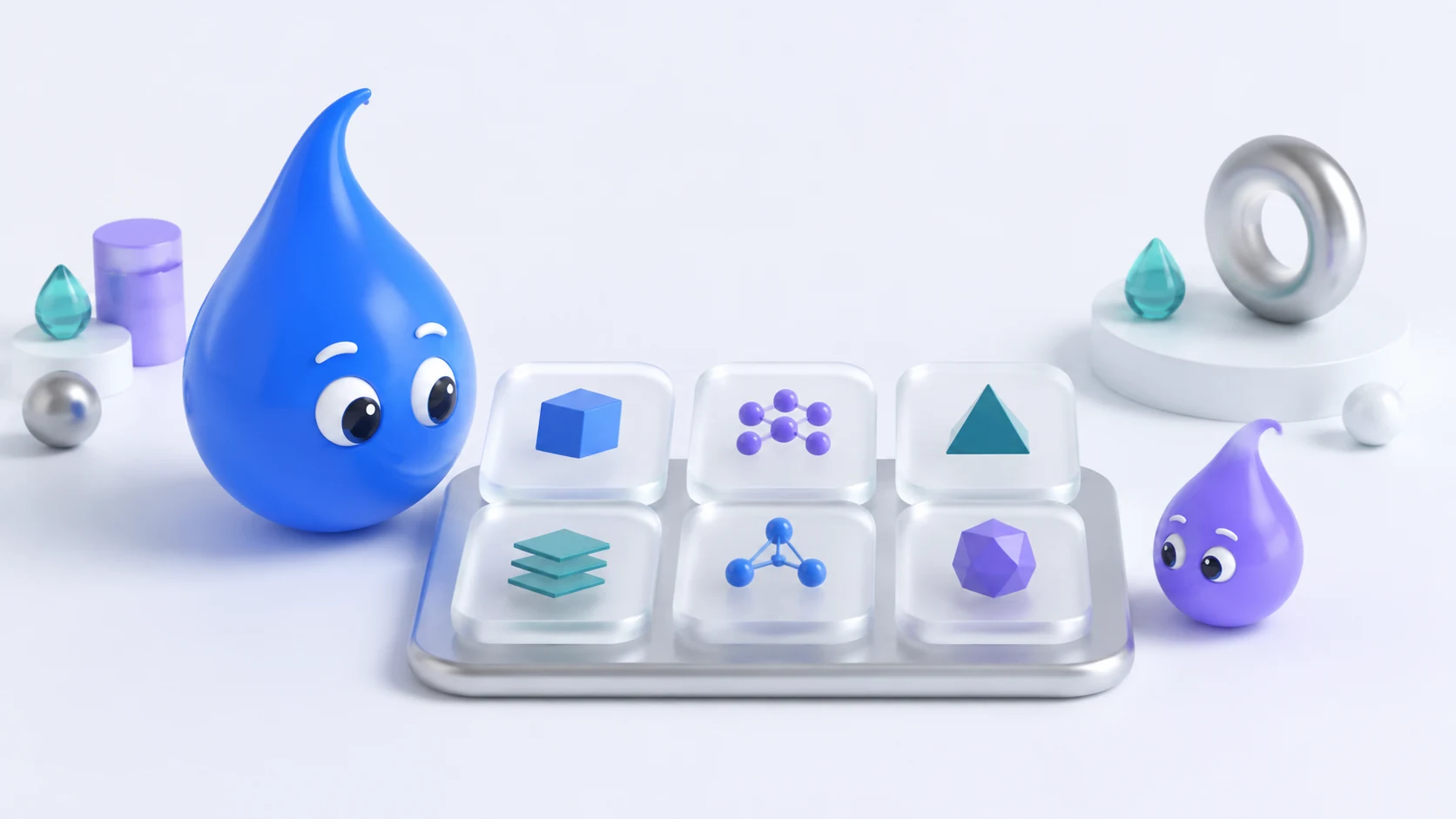
Chat models (LLM)Qwen3, Granite, SmolLM3 and Phi-4 Mini
- Qwen3 1.7B Free · Support AI
- Qwen3 0.6B Pro
- Qwen3 4B Pro
- Qwen3 8B Pro
- Granite 3.3 2B Pro
- SmolLM3 3B Pro
- Phi-4 Mini 3.8B Pro
Start with Qwen3 1.7B for unlimited free conversations. Pro adds the other chat models, so you can choose a different balance of capability and memory use.
Images & upscalingFLUX.2, SDXL, Qwen Image and more · Pro
- FLUX.2 Klein 4B Generation
- Stable Diffusion XL Generation
- Sana 600M Generation
- Z-Image-Turbo Generation
- Qwen Image 2512 Mixed 4/8-bit · BF16
- Swin2SR 4× upscaling
Image tools require Pro. Model support for reference images and editing varies. Check the in-app model card for download size, hardware guidance and any model-specific limitations.
Speech, dictation & voicesKokoro, Whisper and Audio8
- Kokoro 82M Free · English speech
- Whisper base.en Free · English dictation
- Audio8 TTS 0.6B Pro · Voice cloning preview
Speech and dictation run locally after their models are downloaded. Pro adds Audio8 voice profiles; use voice cloning only with the speaker’s permission.
Models are separate downloads. The app shows model sources, licenses, storage needs and hardware checks before installation.
Start with Free. Add Pro when you need it.
Choose your starting point.
Free gives you an everyday local AI companion. Pro opens up more models and creative tools, with monthly or lifetime options.
Free
Included with your download
Local chat and everyday voice tools, ready to make your own.
- Unlimited chats with Qwen3 1.7B
- Built-in Support AI
- Kokoro text-to-speech
- Whisper English dictation
- Hardware checks and model management
- Storage choices and privacy controls
Pro
Monthly or lifetime upgrade
Everything in Free, plus more ways to think, create and finish your work.
- Additional local chat models
- Image generation and supported image editing
- PDF, Word, Excel and PowerPoint exports
- Audio8 voice cloning
- 4× image upscaling with Swin2SR
- Optional Brave web search with your own API key
Pro is an optional in-app purchase. Local inference has no per-token DLAIS fees. Optional external services, including Brave Search, have their own terms and may charge separately.
Make room for local AI
Find the fit for your Mac.
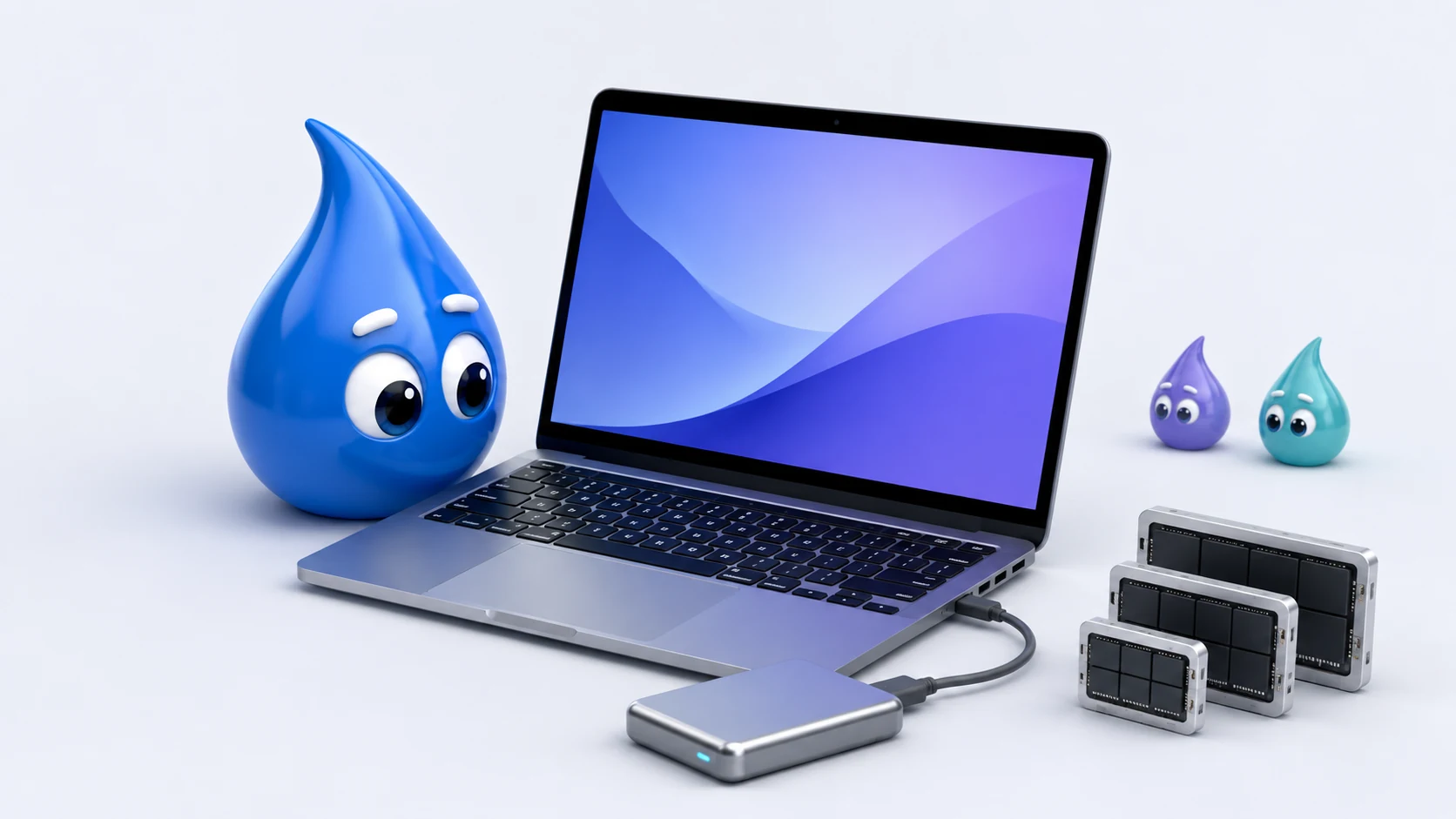
Start with an Apple silicon Mac running macOS 15 or later. Available memory determines which models are a practical fit.
8 GB
A starting point for small chat models and everyday speech and dictation.
16–24 GB
More room for chat and image models. Requirements vary with the model and the work.
32 GB+
More headroom for larger models and demanding image generation. Check each model’s guidance.
Check before you download. The app checks memory, storage, Metal support and macOS compatibility. These memory ranges are guidance; individual models may need more memory or a newer macOS version.
Keep models where they fit. Model files are separate from the app. Download to internal storage or a connected external drive. Sizes range from small voice models to image models taking tens of gigabytes.
Inference happens on your Mac.
Downloaded chat, image and voice models run locally. Your chats, prompts, documents and local generations are not sent to DLAIS.
Online features have a clear purpose.
Internet access is used for model downloads and optional external services. If you enable Brave web search, search queries are sent to Brave using your own API key.
You decide what to keep.
Manage chats and voice profiles, remove saved API keys, uninstall models and choose where model files live. Exported files stay under your control.
A few useful answers
Before you get started.
Can I use the app offline?
Local chat, image and voice inference can work offline once the models you need are downloaded. Downloads, App Store purchases and optional online features need an internet connection.
Are the models included in the app download?
Models download separately, so you can install only what you need. The app shows each model’s source, license, download size and hardware guidance. You can keep model files on your Mac or a connected external drive.
How do monthly and lifetime Pro compare?
Both options unlock the same current Pro features. Monthly Pro renews automatically until canceled; lifetime Pro is a one-time purchase. Regional prices and purchase terms are shown in the app before you buy.
What about video?
Movie Studio with Wan2.1 and Wan2.2 is being prepared for a future app update. It is not included in the current public version, and no release date has been announced.
Explore
Dropelz Local AI Studio.
Local AI for your Mac, developed by DLAIS.
Free to download. Optional Pro upgrade.