Image Studio · Pro
AI image generation for Mac
Image Studio in Dropelz Local AI Studio turns text prompts into images on your Mac. Developed by DLAIS, the app runs downloaded image models locally. Image generation, supported image editing and 4× upscaling are included with the optional Pro upgrade.
Dropelz Local AI Studio · Apple silicon · macOS 15 or later
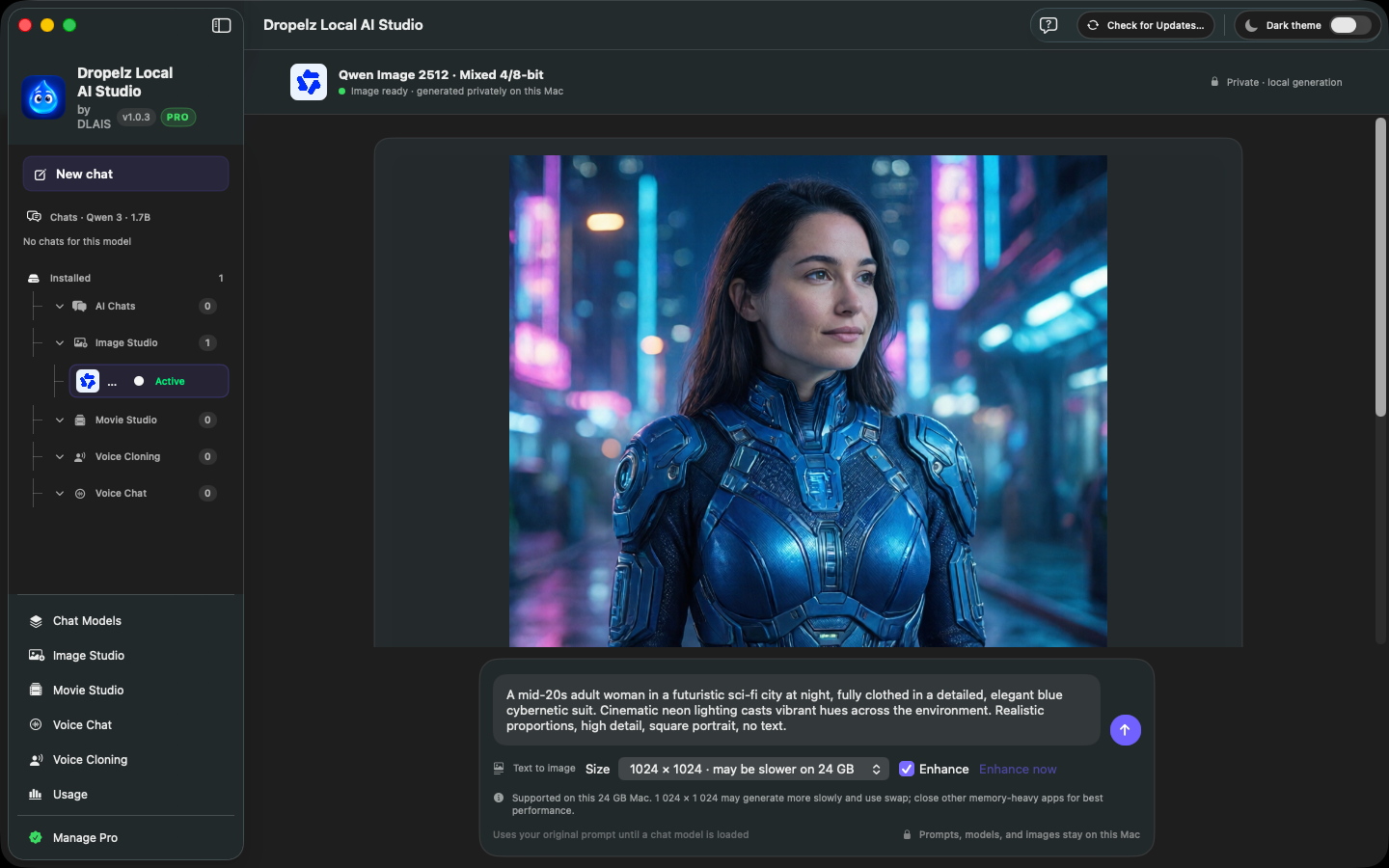
Turn an idea into a clear prompt
Download the app, explore Pro and review an image model’s card before installing it. Check its download size, memory guidance and supported features.
Start with a short description of the subject, setting and visual style. For example: “A small reading room with wooden shelves, afternoon light and muted green walls, illustrated in soft watercolour.”
Review the result, then change one part of your prompt at a time. Adjusting the lighting or composition separately makes it easier to judge what changed. For reference images or editing, first check that the selected model supports the workflow you need.
Choose your image model
Supported generation models include FLUX.2 Klein 4B, Stable Diffusion XL, Sana 600M, Z-Image-Turbo and Qwen Image 2512. Their capabilities and hardware needs vary.
Swin2SR provides 4× image upscaling. Review the result at its intended viewing size before using it in a document or other project.
The app is free to download; image tools require Pro. Monthly and lifetime upgrades unlock the same current Pro features, with regional pricing shown in the app. Compare Free and Pro.
Plan for memory and storage
Dropelz Local AI Studio requires Apple silicon and macOS 15 or later. The 16–24 GB memory range offers more room for image models, while 32 GB or more provides additional headroom. These are general guidelines, not a guarantee that every model will fit.
Some image models occupy tens of gigabytes. Check the model card and the app’s hardware checks before downloading. You can use internal storage or a connected external drive.
Questions before you start
Does image generation send my prompt to DLAIS?
Downloaded image models run locally. Your prompts and local generations are not sent to DLAIS. Models must be downloaded before offline inference can work. Read the Privacy Policy.
Does every model support reference images?
No. Reference-image and editing support varies by model. Check the in-app model card for its capabilities and limitations.